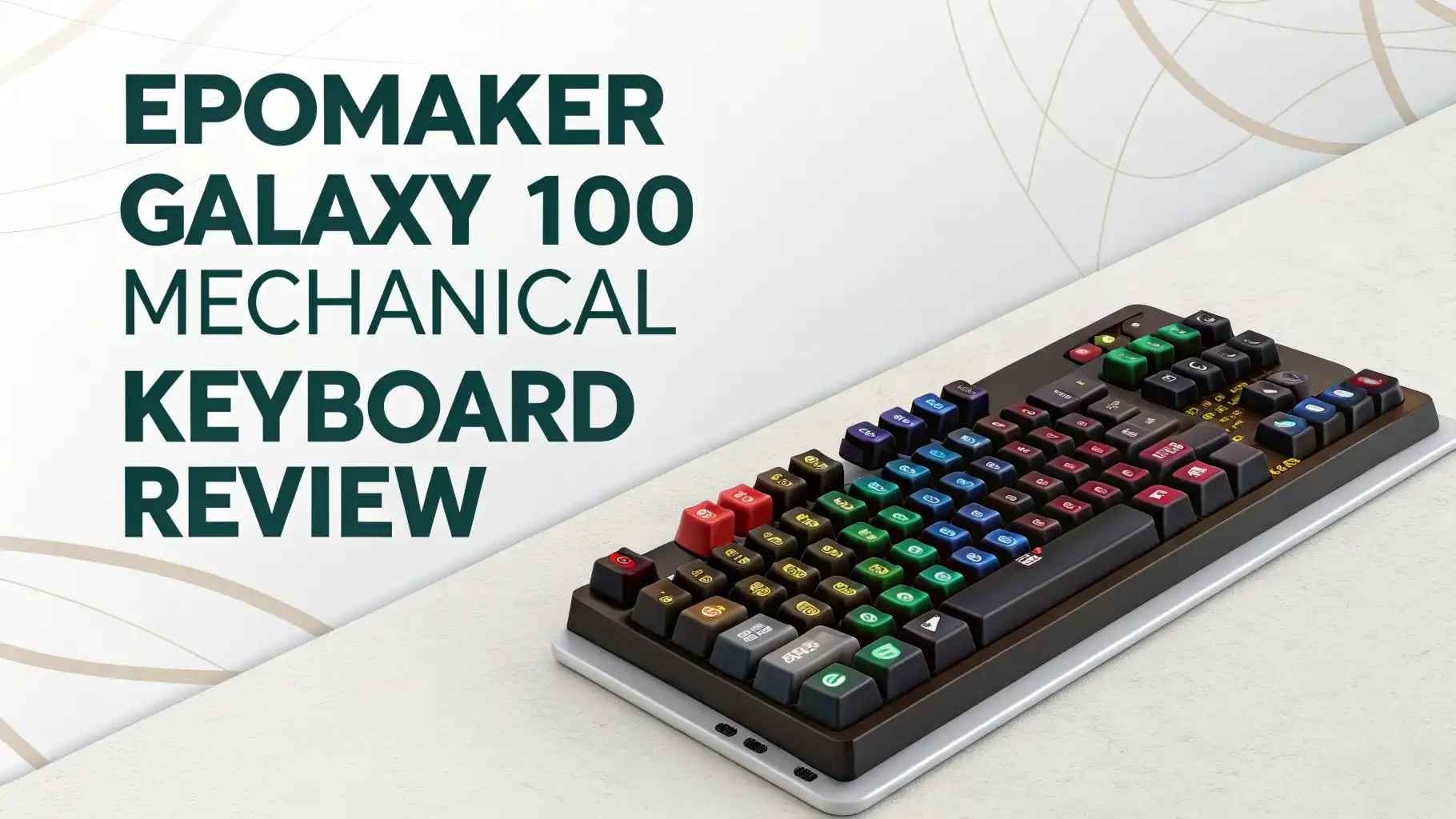
Epomaker Galaxy 100 Mechanical Keyboard Review: The Ultimate Guide
Are you tired of settling for mediocre mechanical keyboards that promise the world but deliver nothing but disappointment? The Epomaker Galaxy 100 might just be the game-changer your desk setup desperately needs.
This aluminum-bodied powerhouse combines premium build quality, versatile connectivity, and buttery-smooth typing in one package. Whether you’re a dedicated gamer, a productivity enthusiast, or someone who spends countless hours typing, this keyboard demands your attention. Stay with me as I break down every aspect of this remarkable keyboard to help you decide if it’s worth your investment.
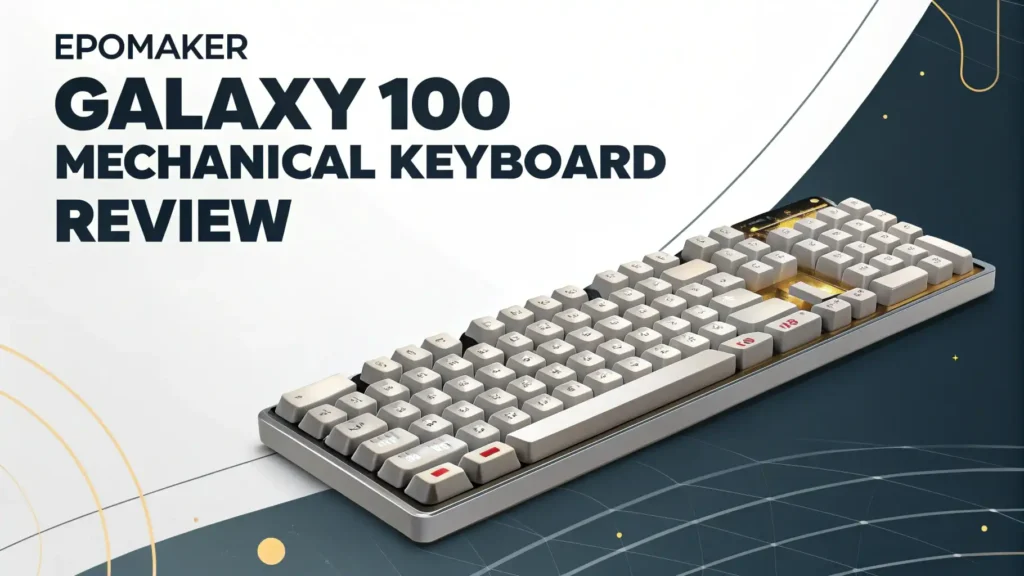
Key Takeaways:
Before we dive deep into the details, here are the most important things you need to know about the Galaxy 100:
Premium Aluminum Construction: The Galaxy 100 features a CNC machined aluminum alloy shell that provides exceptional durability and a satisfying 1.5 kg weight that keeps the keyboard stable during intense typing or gaming sessions.
Massive 8000mAh Battery Life: This keyboard packs one of the largest batteries in the mechanical keyboard market, offering up to 580 hours of wireless usage on Bluetooth without RGB lighting, meaning you can go months between charges.
True Wireless Freedom: With three connectivity modes including 2.4GHz wireless, Bluetooth 5.0, and USB-C wired connection, you can seamlessly switch between multiple devices and enjoy lag-free performance across all your gadgets.
Hot-Swappable Switches: The Galaxy 100 supports both 3-pin and 5-pin mechanical switches with hot-swap sockets, allowing you to customize your typing experience without any soldering required.
Full QMK/VIA Support: Take complete control over your keyboard with unlimited customization through QMK/VIA software, letting you remap keys, create complex macros, and build custom layers for different workflows.
Epomaker Galaxy 100 Mechanical Keyboard

- 1800 QMK Aluminum Keyboard with Enhanced Typing Sound: Drawing from the success of Galaxy80 and Galaxy70, the EPOMAKER Galaxy100 QMK keyboard joins the Galaxy Aluminum Keyboard series with new...
- QMK/VIA Keyboard with Multi-Device Compatibility: To elevate your typing experience, the Galaxy100 keyboard is upgraded with QMK/VIA support. The VIA Software offers endless possibilities in remapping...
- Long-Lasting Wireless Performance: Powered by the outstanding 8000mah battery, the Galaxy100 keyboard gives you convenience and productivity. Packed with three modes of connection, the Galaxy100...

The Epomaker Galaxy 100 represents a significant leap forward in the full-size mechanical keyboard category. This keyboard brings together everything enthusiasts love about custom keyboards while maintaining an accessible price point. The 1800 compact layout gives you all the functionality of a traditional full-size board but saves valuable desk space. With its gasket-mounted design, five layers of sound dampening materials, and factory-lubed switches, the Galaxy 100 delivers a premium typing experience right out of the box.
Unboxing and First Impressions: Premium Packaging That Sets Expectations High
The moment you lift the Epomaker Galaxy 100 from its box, you immediately notice the substantial weight and quality. The packaging itself reflects the premium nature of this keyboard. Inside, you’ll find the keyboard securely nested in protective foam, accompanied by a comprehensive set of accessories. The package includes a USB-C to USB-A cable with a coiled section that adds a nice aesthetic touch, a 2.4GHz wireless dongle, a keycap puller, a switch puller, and spare switches for testing.
The aluminum shell catches the light beautifully, and the powder coating finish resists fingerprints remarkably well. The creamy white and white purple color options both look stunning, with the double-shot PBT keycaps providing a premium tactile feel. The legends are crisp and clear, using dye-sublimation printing that ensures they won’t fade over time. The MDA and Cherry profile keycaps offer slightly different typing angles, catering to various preferences.
The metal rotary knob sits prominently in the top-right corner, offering satisfying tactile feedback with each turn. This knob proves incredibly useful for volume control, scrolling through documents, or any custom function you assign through VIA software. The build quality immediately communicates that this keyboard means business.
Design and Build Quality: Aluminum Construction That Feels Like a Premium Product
The aluminum alloy construction elevates the Galaxy 100 far above plastic competitors. The chassis measures 40.5cm by 13.78cm by 3.23cm, creating a commanding presence on your desk. The typing angle sits at approximately 7 degrees, providing a comfortable ergonomic position without requiring additional feet. The weight distribution feels perfectly balanced, preventing any wobbling during aggressive typing sessions.
The gasket-mount structure represents one of the Galaxy 100’s most significant features. This mounting method places soft gaskets between the plate and the case, creating a cushioned typing experience that balances rigidity with flexibility. Unlike traditional tray-mount keyboards that can feel harsh and stiff, the gasket mount allows slight flex that absorbs impact while maintaining stability. This design choice contributes significantly to the keyboard’s acoustic profile and typing comfort.
Epomaker packed five distinct layers of sound-dampening materials inside the Galaxy 100. These include a Poron sandwich pad, IXPE switch pad, PET sound enhancement pad, EMDP switch socket pad, and PET bottom pad. This extensive dampening system eliminates hollow sounds and reduces unwanted noise, leaving only the pure thocky sound of the switches themselves. The attention to acoustic engineering shows that Epomaker understands what keyboard enthusiasts value.
The south-facing LED design deserves special mention. By positioning the LEDs on the bottom side of each switch, the keyboard ensures that keycap legends remain clearly visible and the RGB lighting shines directly toward the user. This thoughtful design choice enhances both functionality and aesthetics. The per-key RGB lighting offers extensive customization through VIA software, letting you create stunning lighting effects or keep things minimal with subtle backlighting.
Typing Experience: Smooth, Satisfying, and Surprisingly Quiet
The typing experience on the Galaxy 100 stands out immediately. The factory-lubed linear switches arrive pre-tuned, eliminating the scratchy feeling common in budget keyboards. The Feker Marble White switches and Epomaker Wisteria Linear switches both provide smooth keystrokes with consistent actuation. The marble switches offer a lighter touch, while the Wisteria switches provide slightly more resistance for those who prefer tactile feedback.
The combination of gasket mounting, extensive dampening, and quality switches creates a typing feel that many describe as “creamy” and “marbly.” Each keystroke feels cushioned yet responsive, with a satisfying bottom-out that doesn’t jar your fingers. The sound profile leans toward the deeper, thockier end of the spectrum rather than high-pitched clackiness. This makes the Galaxy 100 suitable for office environments where loud keyboards might disturb colleagues.
The PBT keycaps contribute significantly to the overall typing quality. Unlike ABS plastic that becomes shiny and slippery over time, PBT maintains its textured finish for years. The double-shot construction ensures legends never wear off, even after millions of keystrokes. The MDA and Cherry profiles provide different typing experiences—MDA offers a slightly scooped top for finger comfort, while Cherry profile delivers a lower, more traditional feel.
The stabilizers come pre-lubed and tuned, reducing rattle on larger keys like the spacebar, shift, and enter keys. While not perfect out of the box, they perform admirably and respond well to additional tuning if you choose to open the keyboard. The hot-swappable PCB means you can easily experiment with different switches to find your perfect typing feel without any permanent modifications.
Top 3 Alternatives for Epomaker Galaxy 100

- Keychron V6 Max - The V6 Max upgraded QMK/VIA wireless custom mechanical keyboard allows anyone to master any key or macro command, which includes key caps for Windows and macOS. It has a full-size...
- Program with QMK & VIA - Simply connect the V6 Max to your device with a cable, drag and drop your favorite keys or macro commands to remap any key you want on any system (macOS, Windows, or Linux).
- 3-Mode Connection - It supports 2.4 GHz, Bluetooth, and a wired connection. Experience peak gaming performance on the fly with the 2.4 GHz wireless connection boasting a rapid 1000 Hz polling rate....

- 100% in Size, Performance and Comforts: Meet the 100% full size variation of the EPOMAKER X AULA F75, the F108 Mechanical keyboard that offers the same creamy sound and unparalleled performance as F75...
- Wireless Keyboard with Limitless Compatibility: Packed with 4000mAh rechargeable batteries, double the power average gaming keyboard offers, F108 Wireless Keyboard grants up to 100 hours of continuous...
- Hot-Swappable Custom Keyboard: Customize each keystroke’s touch, acoustic feedback and the function it triggers, as the F108 custom keyboard supplies with its formidable setup. Test out the various...

- Smart Display Screen & Multi-function Knob: AULA F108 Pro wireless mechanical keyboard has built-in intelligent TFT color display screen, which can be used as an interactive interface for real-time...
- Tri-mode Connection Mechanical Keyboard: The AULA F108 Pro gaming keyboard supports BT5.0, 2.4GHz wireless and USB-C wired connectivity which can save up to five devices. The BT5.0 mode allows for...
- Hot-swappable Custom Keyboard: The F108 Pro wireless gaming keyboard comes with a hot-swappable base that is compatible with 3-pin or 5-pin switches. Without the soldering process, users can easily...
Gaming Performance: Low Latency Meets Full-Size Functionality
Gamers will appreciate the Galaxy 100’s 1000Hz polling rate in both wired and 2.4GHz wireless modes. This high polling rate ensures minimal input delay, with latency measuring just 2.81ms over USB and 4.72ms in 2.4GHz mode. These numbers place the Galaxy 100 firmly in competitive gaming territory, providing the responsiveness demanded by fast-paced shooters and MOBAs. Even the Bluetooth mode maintains a respectable 15ms latency, suitable for casual gaming sessions.
The full N-Key Rollover (NKRO) support means the keyboard registers every keypress simultaneously, eliminating ghosting issues during complex key combinations. This proves essential for games requiring multiple inputs at once. The linear switches provide smooth, consistent actuation without tactile bumps that might slow down rapid-fire inputs. The pre-lubrication ensures switches move freely, reducing friction that could impact gaming precision.
The 1800 layout includes a full numpad, which many gamers appreciate for MMO macros or quick weapon switching. The programmable metal knob offers another layer of control, perfect for adjusting game audio on the fly or cycling through abilities in supported games. Through VIA software, you can create game-specific profiles with custom key mappings and macros that activate automatically when you launch different games.
The RGB lighting adds ambiance during late-night gaming sessions, with the ability to set reactive effects that respond to keypresses. The south-facing RGB design ensures lighting doesn’t interfere with keycap legends while still providing vibrant illumination. Battery life remains impressive even with moderate RGB usage, though competitive gamers will likely prefer the wired connection for absolute reliability.
Wireless Connectivity: Three Modes for Ultimate Flexibility
The Galaxy 100’s triple-mode connectivity sets it apart from many competitors. The 2.4GHz wireless connection provides rock-solid performance with minimal latency, ideal for gaming or situations where connection stability matters most. The included USB dongle stores conveniently in a slot on the keyboard’s underside, ensuring you never lose it during transport.
Bluetooth 5.0 support enables connection to multiple devices simultaneously, with the ability to switch between three paired devices using keyboard shortcuts. This feature proves invaluable for users who regularly switch between a desktop PC, laptop, and tablet. The Bluetooth mode prioritizes battery life over minimal latency, making it perfect for productivity work where saving power matters more than split-second responsiveness.
The USB-C wired mode offers zero-latency performance and unlimited battery life. The detachable cable design enhances portability and allows easy replacement if the cable becomes damaged. The keyboard charges while connected via USB-C, letting you continue using it without interruption. Compatibility extends across Windows, Mac, and Android systems, with the keyboard automatically detecting the OS and adjusting key mappings accordingly.
Switching between connection modes happens instantly through simple key combinations. LED indicators on the keyboard clearly show which mode is active and the current battery level. The transition between modes feels seamless, with no noticeable delay or connection drops during testing.
Battery Life: Weeks of Use on a Single Charge
The massive 8000mAh battery represents one of the Galaxy 100’s most impressive specifications. This capacity dwarfs most competitors, many of which struggle to include batteries larger than 4000mAh. In real-world testing, the keyboard easily achieves the advertised battery life figures. With RGB lighting disabled and Bluetooth connectivity, users report several months of daily use between charges.
Even with RGB lighting enabled at moderate brightness, the battery lasts multiple weeks of regular use. The 2.4GHz wireless mode consumes more power than Bluetooth but still delivers impressive longevity. Power-hungry users who keep RGB at maximum brightness and use 2.4GHz mode continuously should still expect at least a week between charges under heavy use.
The keyboard charges via USB-C, supporting standard charging speeds that fully replenish the battery in approximately 4-5 hours. Pass-through functionality means you can continue using the keyboard while it charges, ensuring your workflow never gets interrupted. The battery indicator LEDs provide clear visual feedback about remaining charge, preventing unexpected shutdowns during important tasks.
QMK and VIA Support: Unlimited Customization at Your Fingertips
The Galaxy 100’s support for QMK firmware and VIA software opens up incredible customization possibilities. VIA provides a user-friendly graphical interface for programming the keyboard without needing to compile firmware or flash code. Simply connect the keyboard via USB-C, open VIA software, and start customizing.
Key remapping happens instantly, letting you move any key to any position. This proves especially useful for programmers who want symbols closer at hand or gamers who need specific layouts for different games. The ability to create multiple layers essentially gives you several keyboards in one. You might have a standard typing layer, a gaming layer with macros, and a productivity layer with shortcuts for your favorite applications.
Macro programming through VIA enables complex automation. Record sequences of keypresses with precise timing, create text expansion shortcuts, or build elaborate command chains that execute with a single button press. The possibilities extend far beyond simple key remapping. You can program the rotary knob to perform different functions in different layers, maximizing its utility.
The QMK firmware runs directly on the keyboard’s microcontroller, meaning your customizations work across any computer you connect to. No need to install software or sync profiles—your programming travels with the keyboard. Updates to QMK firmware occasionally add new features or improve performance, with Epomaker providing straightforward instructions for flashing updated firmware when available.
Sound Profile: Deep Thocks and Marbly Acoustics
Mechanical keyboard enthusiasts obsess over sound, and the Galaxy 100 delivers an acoustic signature that pleases most ears. The combination of aluminum case, gasket mounting, extensive dampening, and lubed switches produces a deep, satisfying thock with each keypress. The sound sits in the lower frequency range, avoiding the high-pitched clack that some find annoying.
The marble white switches live up to their name, producing a sound reminiscent of marbles gently clacking together. This acoustic character feels unique compared to typical linear switches, adding personality to the typing experience. The Wisteria switches offer a slightly different sound profile, with marginally more emphasis on the bottom-out sound.
The multiple dampening layers eliminate hollowness completely. No echo or metallic ping disrupts the clean sound of switch actuation. The aluminum case provides acoustic mass that prevents the tinny sounds common in plastic keyboards. The result is a typing experience that sounds refined and premium, befitting the keyboard’s price point.
Typing volume remains moderate, neither whisper-quiet nor aggressively loud. The deep thock carries less far than high-pitched clacks, making the Galaxy 100 reasonably office-friendly. Late-night typing sessions won’t wake family members in nearby rooms, though the sound definitely remains audible to anyone in the same space.
Hot-Swap Functionality: Easy Switch Customization Without Soldering
The hot-swappable PCB removes barriers to switch experimentation. Both 3-pin and 5-pin switches work perfectly, giving you access to the vast world of mechanical switches. The included switch puller makes removal effortless—simply compress the handles, hook under the switch, and pull straight up. The socket releases the switch cleanly without damage.
Installing new switches takes seconds. Align the pins carefully, press firmly until the switch clicks into place, and you’re done. This simplicity encourages experimentation. Try tactile switches for typing, linear switches for gaming, or even clicky switches if you enjoy audible feedback. Some enthusiasts create mixed switch layouts, using different switches for specific keys based on their function.
The plate-mount stabilizer design means you’re limited to plate-mount stabilizers rather than screw-in variants. While screw-in stabilizers generally offer better performance, the included plate-mount stabilizers work well after proper lubing. Advanced users can replace or modify these stabilizers, though doing so requires partial keyboard disassembly.
The hot-swap sockets use Kailh technology, known for durability and reliability. These sockets handle hundreds of switch changes without loosening or failing. The socket design includes protective measures against bent pins, though you should still exercise care when inserting switches to avoid damage.
Keycaps: Quality PBT with Two Profile Options
The PBT keycaps immediately distinguish themselves from cheaper ABS alternatives. PBT plastic feels slightly textured rather than smooth, providing better grip and a more premium tactile sensation. This material resists wear exceptionally well, maintaining its appearance and texture for years of heavy use. The keycaps won’t develop the shiny, greasy appearance that plagues ABS keycaps after extended use.
The double-shot and dye-sublimation manufacturing techniques ensure legends never fade. Double-shot molding uses two layers of plastic, with the legend formed from the inner layer showing through the outer layer. This construction makes it physically impossible for legends to wear off. The dye-sublimation process bonds the legend directly into the plastic surface using heat, creating similarly permanent markings.
Black keyboards ship with MDA profile keycaps, while white variants include Cherry profile caps. MDA profile features a scooped, sculpted design that cups your fingertips comfortably. The profile height sits slightly taller than Cherry, which some typists prefer for its ergonomic benefits. Cherry profile remains the most popular choice, offering a lower, more traditional feel that works well for both typing and gaming.
The keycap thickness measures approximately 1.5mm, providing satisfying acoustics without feeling flimsy. The south-facing LED design means the keycaps don’t need to be shine-through, allowing Epomaker to use opaque materials that enhance the premium feel and appearance. The RGB lighting illuminates from below, creating a pleasant glow around each key without overwhelming the legends.
Software and Programming: VIA Makes Customization Simple
VIA software represents a massive advantage over proprietary keyboard programming tools. This open-source application works across Windows, Mac, and Linux, providing consistent functionality regardless of operating system. The interface uses a visual keyboard layout that makes programming intuitive even for beginners.
Connecting the Galaxy 100 triggers automatic recognition in VIA. The software loads the keyboard’s current configuration, displaying your existing key mappings and macros. Changes take effect immediately without requiring manual saving or keyboard restarts. The real-time update capability lets you test modifications instantly, streamlining the customization process.
The layer system lets you create up to four distinct layouts accessible through layer switching keys. You might dedicate layer 0 to standard typing, layer 1 to gaming with WASD remapped and macros bound to number keys, layer 2 to media controls and productivity shortcuts, and layer 3 to RGB lighting controls. The possibilities adapt to any workflow or gaming style.
Macro recording supports delays between keypresses, enabling complex automation. You can create macros that type entire paragraphs of boilerplate text, execute complicated game combos perfectly every time, or automate repetitive tasks in your favorite applications. The rotary knob programming extends these capabilities further, with different functions assignable to clockwise rotation, counterclockwise rotation, and button press.
Value for Money: Premium Features at a Competitive Price
At its current price point of around $104-$114 depending on switch choice and color variant, the Galaxy 100 competes aggressively against established brands. Keyboards from major manufacturers with similar features often cost $150-$200 or more. The Galaxy 100 delivers premium materials, extensive customization, and excellent build quality while undercutting competitors significantly.
The aluminum construction alone justifies much of the cost. Competing keyboards at this price typically use plastic cases that feel cheap and hollow. The gasket mounting, multi-layer dampening, and factory-lubed switches represent features usually reserved for enthusiast-grade keyboards costing substantially more. The massive battery and triple-mode connectivity add further value.
The hot-swap capability and QMK/VIA support future-proof your investment. As your preferences evolve or you discover new switches you want to try, the keyboard adapts without requiring a complete replacement. The open-source nature of QMK means ongoing firmware development and feature additions that keep the keyboard current for years.
The 30-day return and replacement policies provide peace of mind. Epomaker stands behind the Galaxy 100 with consumer-friendly policies that reduce purchase risk. The strong community support and active user base mean you’ll find plenty of resources, modifications, and assistance if needed.
Comparison with Competitors: How Does It Stack Up?
Against the Keychron V6 Max, the Galaxy 100 holds its own admirably. Both keyboards offer full-size layouts with QMK/VIA support and premium build quality. The Keychron uses a slightly different gasket design and includes Gateron Jupiter switches rather than Feker/Epomaker switches. The Galaxy 100’s larger battery and included metal knob give it an edge in some areas, while the Keychron’s established reputation and wider accessory ecosystem appeal to others.
The Aula F108 series provides budget-friendly competition, typically priced $20-30 less than the Galaxy 100. However, the Aula keyboards use plastic construction and lack the extensive sound dampening found in the Galaxy 100. The acoustic experience and build quality favor the Epomaker significantly, making the price difference worthwhile for users who value these aspects.
Compared to higher-end options like the Monsgeek MG108 or custom builds from boutique manufacturers, the Galaxy 100 offers remarkable value. While true custom keyboards can exceed $300-400, they don’t necessarily deliver proportionally better performance. The Galaxy 100 captures much of what makes custom keyboards special while maintaining accessibility for mainstream users.
Potential Drawbacks: What Could Be Better?
No keyboard achieves perfection, and the Galaxy 100 has minor limitations worth mentioning. The plate-mount stabilizers, while functional, represent a compromise compared to screw-in alternatives. Users seeking absolute perfection may want to modify or replace these stabilizers, requiring keyboard disassembly and additional investment.
The lack of a wrist rest might disappoint users who rely on wrist support during extended typing sessions. The keyboard’s typing angle and front height work fine for many people, but those with wrist concerns might need to purchase a separate wrist rest. Some competing keyboards include wrist rests as standard accessories.
The QMK/VIA programming only functions when using the wired USB-C connection. While your programmed layouts and macros work wirelessly once configured, making changes requires connecting the cable. This limitation stems from VIA’s communication requirements and affects most QMK keyboards, not just the Galaxy 100.
Some users report minor Bluetooth connectivity quirks with specific devices, particularly older tablets or smartphones. The 2.4GHz wireless mode and wired connection work flawlessly, but Bluetooth occasionally requires re-pairing or toggling to establish connections. Firmware updates have addressed many of these issues, though individual experiences may vary.
Is the Epomaker Galaxy 100 Right for You?
The Galaxy 100 excels as an all-purpose mechanical keyboard that serves multiple roles effectively. Typists appreciate the smooth, comfortable feel and pleasant acoustics during long writing sessions. The extensive battery life and wireless connectivity suit mobile professionals who work from various locations. Gamers benefit from low latency, responsive switches, and programmability.
Content creators find the full-size layout with numpad essential for productivity applications, while the rotary knob streamlines timeline scrubbing and volume control. The QMK/VIA support enables custom shortcuts for video editing, photo manipulation, or music production software. The sturdy construction withstands the demands of professional use without showing wear.
Keyboard enthusiasts appreciate the hot-swap functionality and gasket mounting that enable extensive modification. The Galaxy 100 serves as an excellent entry point into the custom keyboard hobby, providing a solid foundation for experimentation. The open-source firmware and active community ensure ongoing development and support.
Budget-conscious buyers seeking premium features without premium prices should seriously consider the Galaxy 100. It delivers features and build quality that justify much higher prices while remaining accessible to mainstream users. The extensive feature set and future-proof design ensure years of reliable service.
FAQ
How long does the Epomaker Galaxy 100 battery last?
The Galaxy 100’s 8000mAh battery provides exceptional longevity depending on usage patterns. With Bluetooth connectivity and RGB lighting disabled, expect up to 580 hours or approximately 24 days of continuous use. With moderate RGB usage and 2.4GHz wireless, you’ll get 1-2 weeks between charges. Even with maximum RGB brightness, the battery lasts several days of heavy use.
Can I use the Epomaker Galaxy 100 with Mac?
Yes, the Galaxy 100 offers full compatibility with macOS systems. The keyboard automatically detects Mac systems and adjusts key mappings accordingly. The Option and Command keys function properly, and VIA software works perfectly on Mac for programming and customization. You can switch between Windows, Mac, and Android devices seamlessly using the triple-mode connectivity.
Are the switches on the Galaxy 100 pre-lubed?
Yes, all switches ship factory-lubed from Epomaker. Both the Feker Marble White and Epomaker Wisteria Linear switches receive lubrication during manufacturing, ensuring smooth operation right out of the box. The lubrication quality is good, though enthusiasts can disassemble and re-lube switches for potentially even smoother performance. The stabilizers also come pre-lubed to reduce rattle.
Does the Galaxy 100 work wirelessly while charging?
Absolutely. The keyboard supports pass-through functionality, meaning you can continue using it via wireless connection while it charges through the USB-C cable. Alternatively, you can use it in wired mode during charging for zero-latency performance. The charging process takes approximately 4-5 hours for a complete charge from empty to full capacity.
Can I replace the keycaps on the Epomaker Galaxy 100?
Yes, the Galaxy 100 uses standard MX-style stems compatible with the vast majority of aftermarket keycap sets. The south-facing LED design means even non-shine-through keycaps work perfectly. You can install any Cherry MX compatible keycap set, including popular options from GMK, Drop, HK Gaming, and countless other manufacturers. The standard layout ensures easy replacement without compatibility concerns.
What is the difference between Galaxy 100 and Galaxy 100 Lite?
The Galaxy 100 Lite uses slightly different keycap materials and profiles compared to the standard Galaxy 100, with some cost-saving measures to achieve a lower price point around $87-95. Both keyboards share the same aluminum construction, battery capacity, connectivity options, and hot-swap PCB. The sound profile differs slightly due to keycap variations, but both deliver excellent typing experiences. The standard Galaxy 100 generally receives more premium keycap materials.

Sili is a tech reviewer who cuts through the hype to find AI tools and gadgets that make life easier. She shares honest reviews and simple guides for everyday tech users.
Last update on 2026-02-02 / Affiliate links / Images from Amazon Product Advertising API